Install into the game folder
Choose the client location. The launcher can move itself into place and offers to create a desktop shortcut.
SLOWWRATH LAUNCHER · 2.11.0
Install, repair and update the WotLK client from one place. Signed updates, optional HD packs and a session guardian keep your installation connected to the realm.
CURRENT CLIENT · 2026.10.19.1
Reuse a compatible client folder or start with a clean installation. Interrupted downloads resume, changed files are repaired individually and your personal settings stay local. Start the game through the current Windows launcher and keep the SlowWrathGuardian addon enabled.
Choose the client location. The launcher can move itself into place and offers to create a desktop shortcut.
The progress percentage covers downloads and integrity checks. UPDATE starts required work; WAIT is a locked state while files are being prepared.
Supported builds stage and verify their own replacement, then require a launcher restart. The game cannot start from that update state.
PLAY starts the game with its session guardian. Keep it running and leave the SlowWrathGuardian addon enabled; a missing or expired guardian session disconnects the game.
BUILT IN
The launcher owns only the files published by SlowWrath. Player settings and unrelated addons remain outside the managed update set.
Downloaded managed files are checked against the signed manifest. Matching installations use version and size checks; selected HD packs are hashed again before game start.
Damaged or incomplete files are replaced individually instead of forcing another full client download.
Supported launchers update themselves safely. Unsupported legacy builds block Play and ask for a fresh launcher download.
Select packs separately or use USE ALL. Disabling a pack removes only the verified file owned by the manager.
Browse 299 archived WotLK addons. A pinned, hash-verified archive downloads directly from GitHub and is cached locally.
The guardian records pack hashes, connection events and crash evidence locally. An asset reference identifies a suspect, not a guaranteed crash cause.
HD PACK STATUS
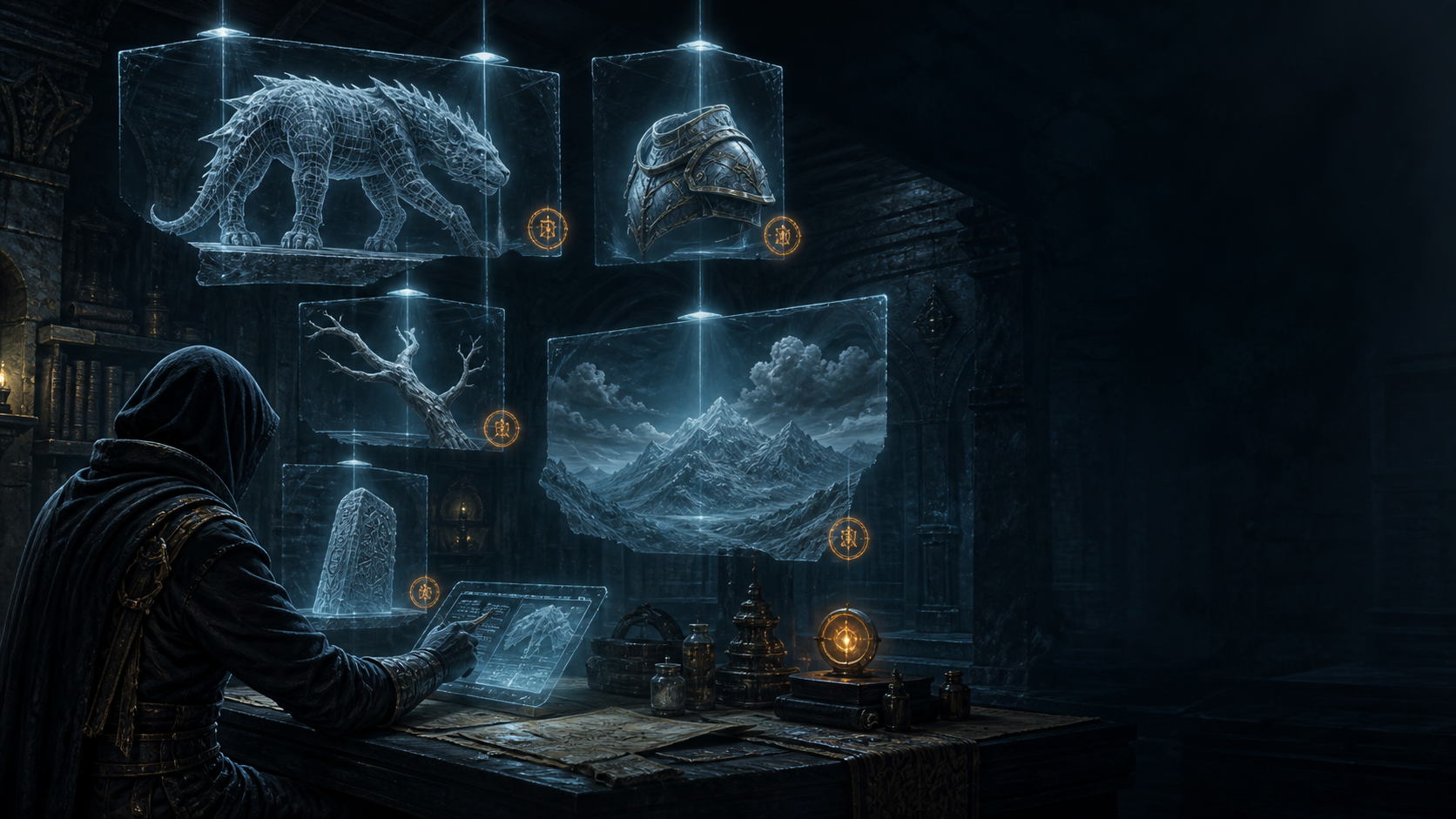
Nine optional packs are available in HD Pack Manager. Enable them individually, or return to the standard assets whenever you need to troubleshoot. Availability does not guarantee every model is free of visual defects.
Sharper terrain, city and world surfaces.
Adjusted sunlight and world lighting.
Higher-detail creature models and textures.
Visual upgrades for mounts.
Updated character models and textures.
Higher-detail armor and weapons.
Sharper interface art and icons. Gathering cursors use the original compatible assets.
Updated world objects and environmental details.
Higher-detail trees and foliage.